
Pick your setup
Three ways to take payments away from the counter
Start small and add a device when the line gets longer. Every option runs on the same account, so your deposits and reports stay in one place.
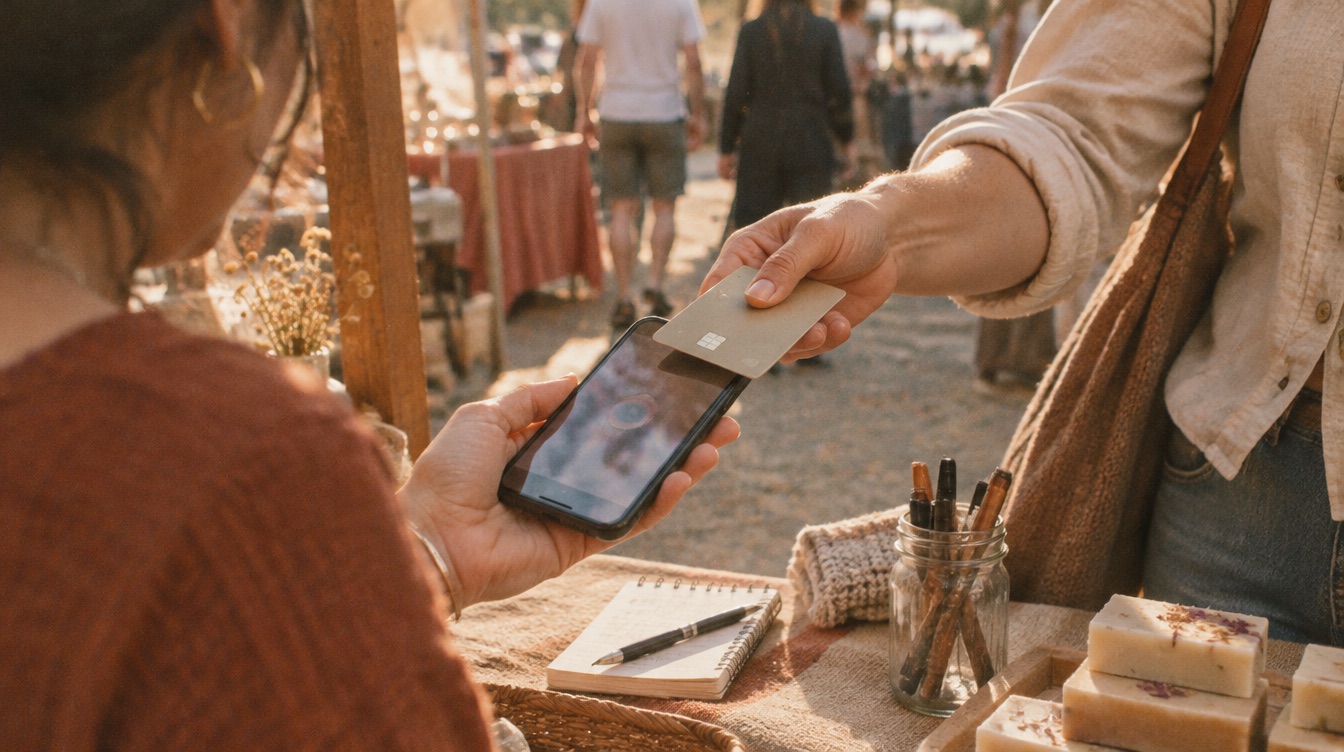
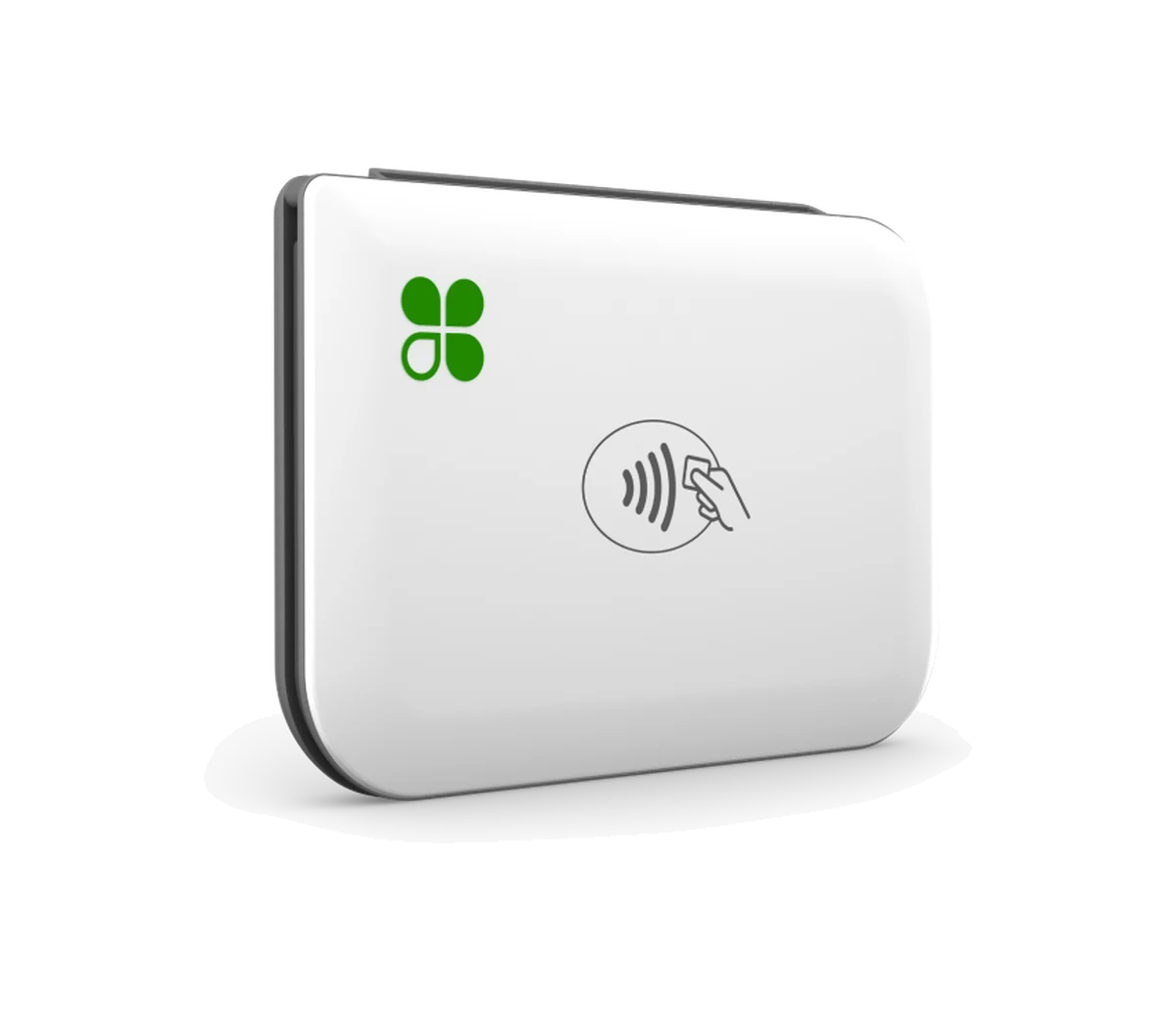
Tap to pay on your phone
Take contactless cards and phone wallets on the phone you already carry. No extra hardware to buy or charge. Good for: occasional sales, a backup at busy events Ask about tap to pay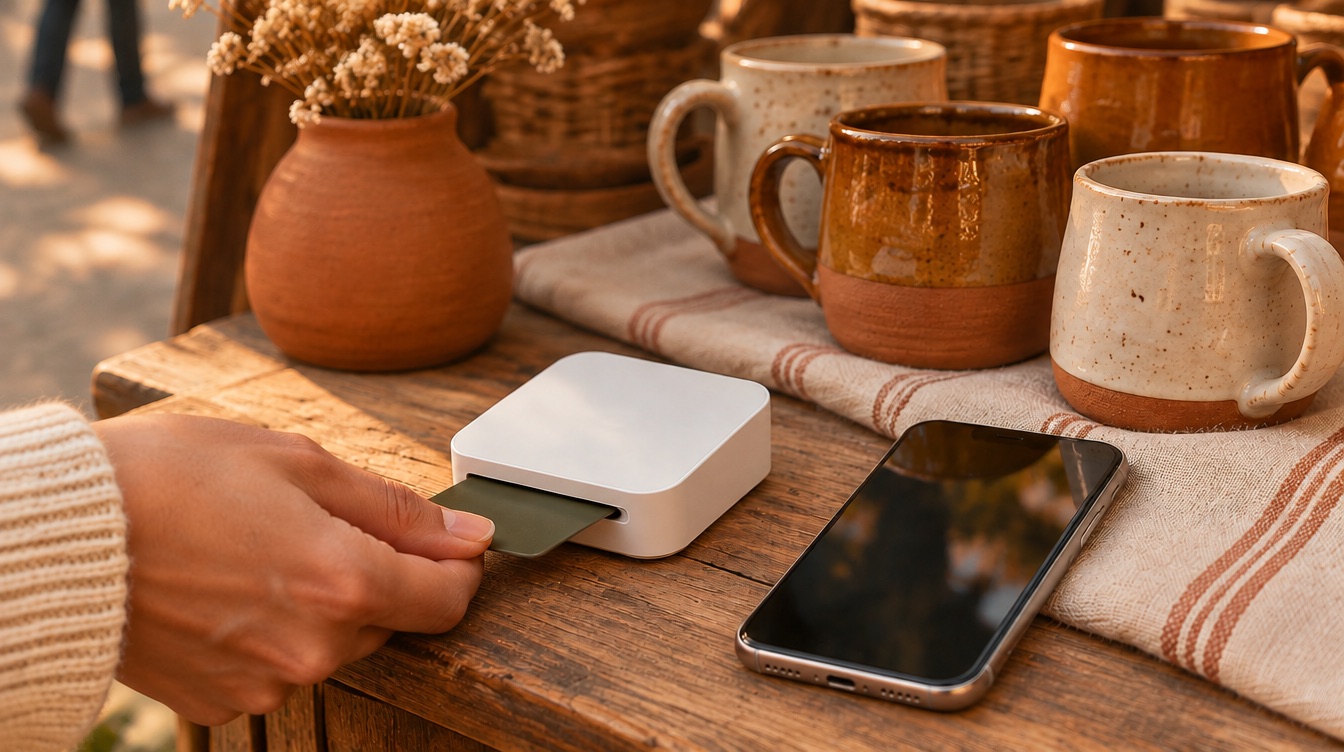
A reader that pairs with your phone
A pocket-size reader for chip, tap and swipe that connects to your phone or tablet by Bluetooth. Good for: markets, pop-ups, home services See mobile readers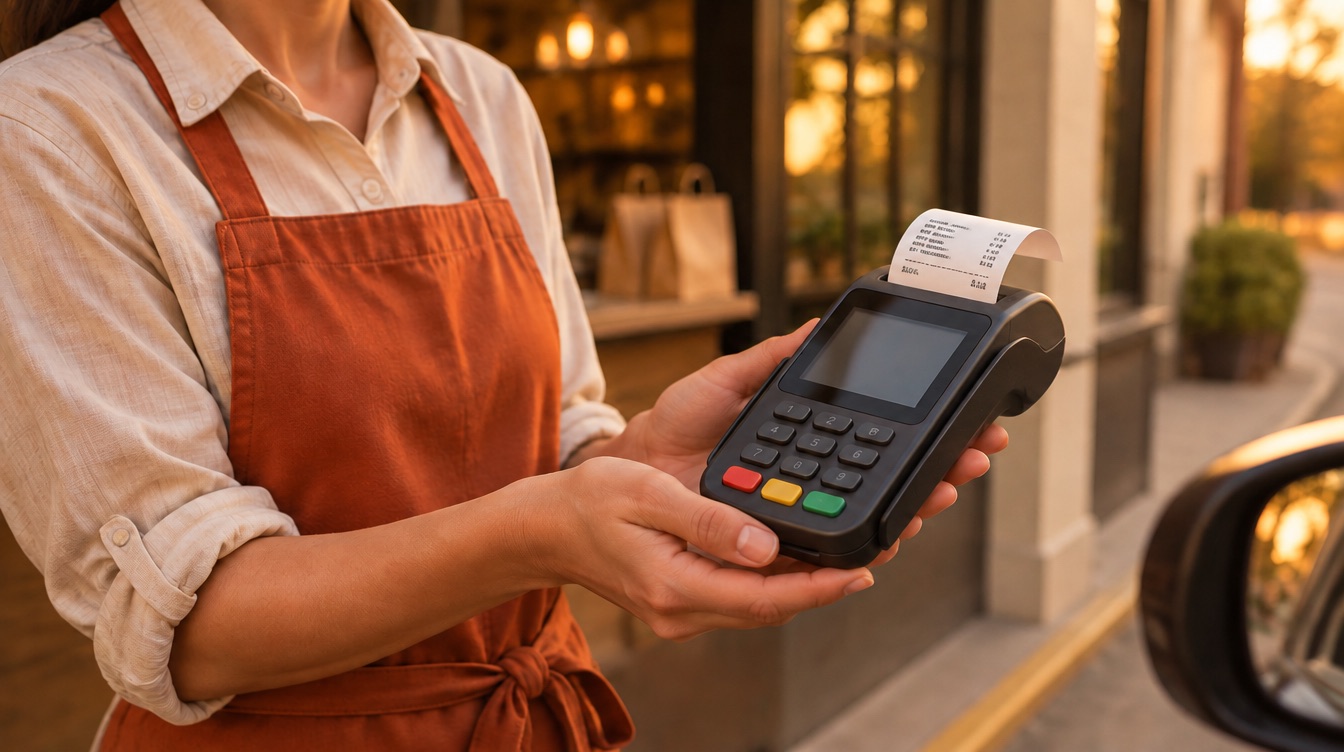
A handheld with its own connection
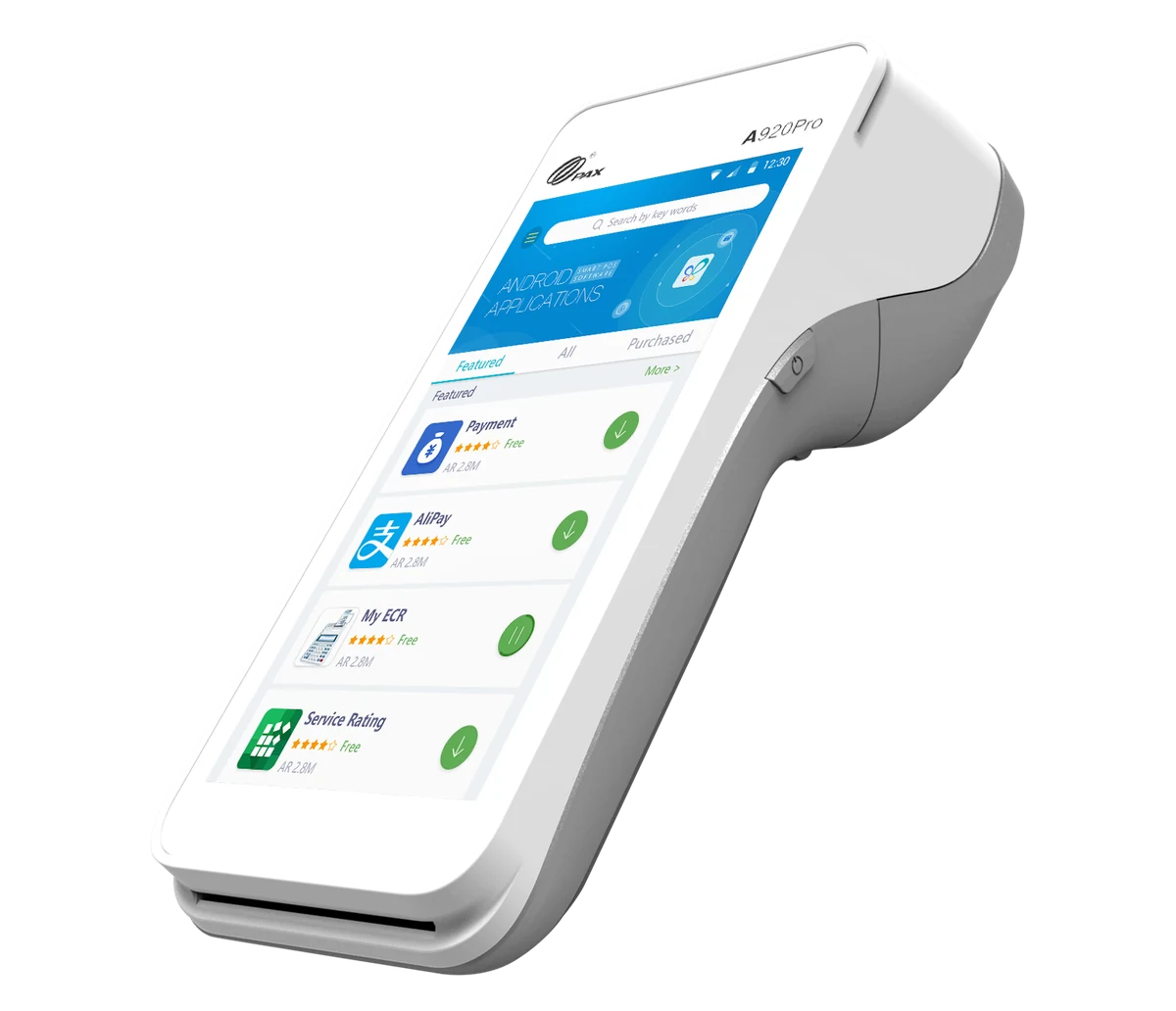
An all-in-one device with a built-in printer that runs on Wi-Fi or cellular, depending on the model. Good for: food trucks, delivery, curbside See handheldsMobile devices
Readers and handhelds we set up most
Every device ships programmed to your account and ready for its first sale.
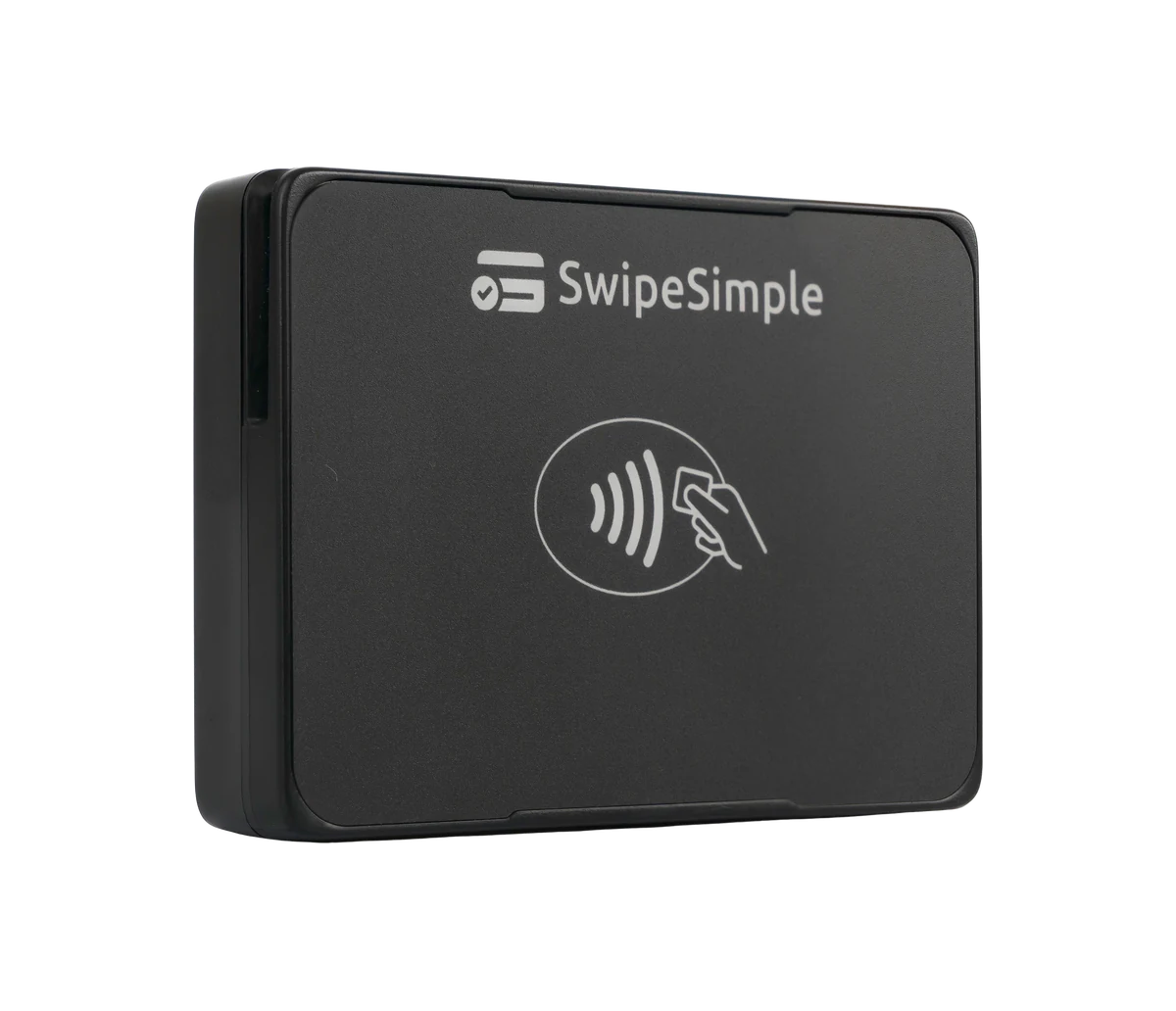
Mobile Reader
SwipeSimple B350
The lowest-cost reader for phones and tablets.
From $10/mo
Buy from $199
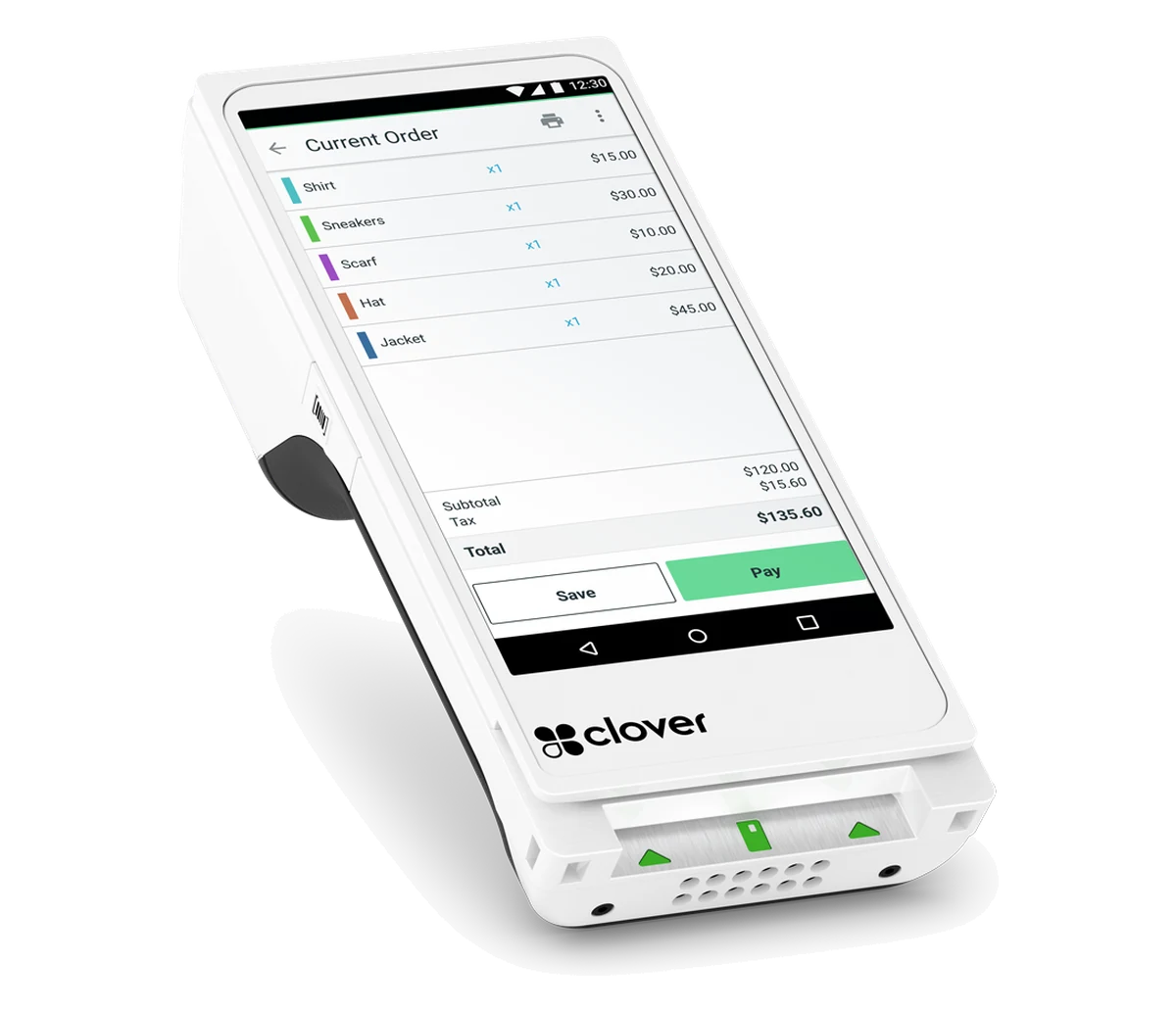
Handheld
Clover Flex
Tableside and curbside pay with a built-in printer.
From $50/mo
Buy from $1,029
How it works
From a quote to your first sale on the road
-
Step 1: Tell us where you sell
Markets, job sites or a truck, how often, and roughly what you take in each month.
-
Step 2: Get a quote in writing
We recommend a device and a pricing program and list every fee before you sign.
-
Step 3: We program your device
It arrives set up to your account, paired and ready. We walk you through it in person or by email.
-
Step 4: Take your first sale
Run a test sale with us, then head out. We stay your local point of contact.
Out in the field
Keep selling when the signal drops
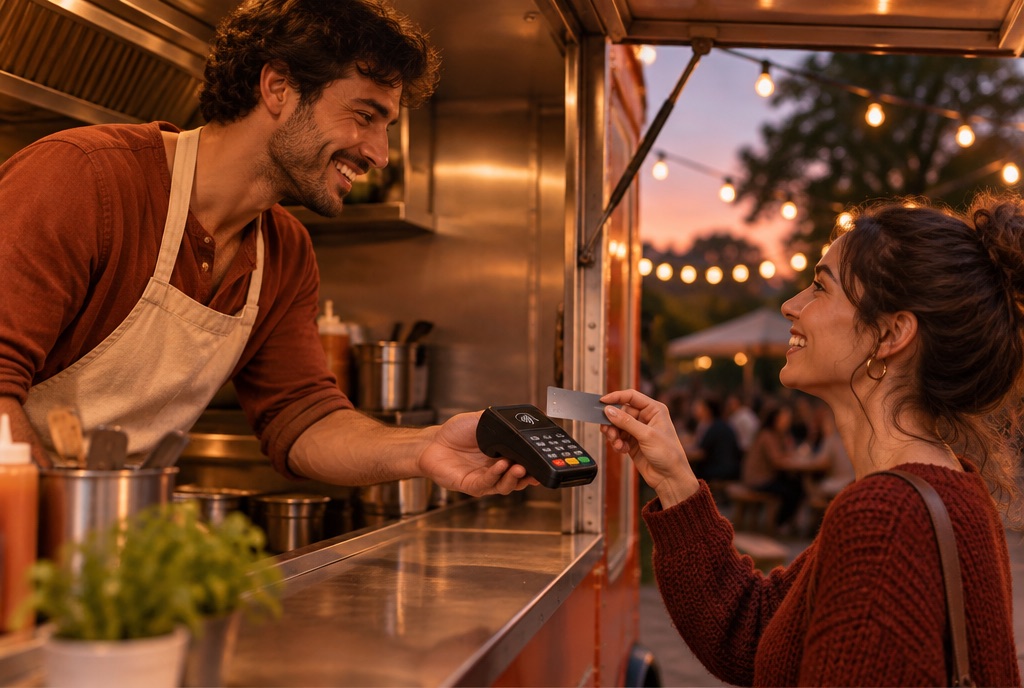
Parking lots, fairgrounds and back roads don't always have good Wi-Fi. We match the device to where you work, so a weak signal doesn't stop the line.
- Cellular handhelds connect on their own, with a data plan if you need one
- Clover devices can take payments offline for a period and send them once you reconnect
- Receipts by text or email, so you don't need paper on the road
Tapped cards usually cost less than keyed-in ones.
When the card is there, tap or dip it rather than typing the number in. Present cards carry lower processing costs and less fraud risk. We put every rate and device cost in writing before you sign. See how the pricing programs compare.
Mobile payment questions
Yes, with tap to pay you can accept contactless cards and phone wallets on most smartphones, iPhone and Android alike, with no extra hardware. We set it up with Authorize.Net, iPOSGo, SwipeSimple Tap to Pay or the Clover Go app. For chip cards, add a reader that pairs with your phone.
Readers that pair with your phone use your phone's connection. Handhelds connect over Wi-Fi, and some models also take a cellular data plan, which we can add if you work where Wi-Fi is not available.
Clover devices can keep taking payments offline for a period and send them once you reconnect. Offline payments carry some risk if a card is later declined, so we explain the limits when we set you up.
Yes. Mobile devices run on the same merchant account as your counter terminal or online checkout, so your deposits and reports stay together.
Deposit timing depends on your account and on when you close your batch each day. Funding cutoffs vary by processor, and we walk you through yours when we set you up.