What connects
Four kinds of connections
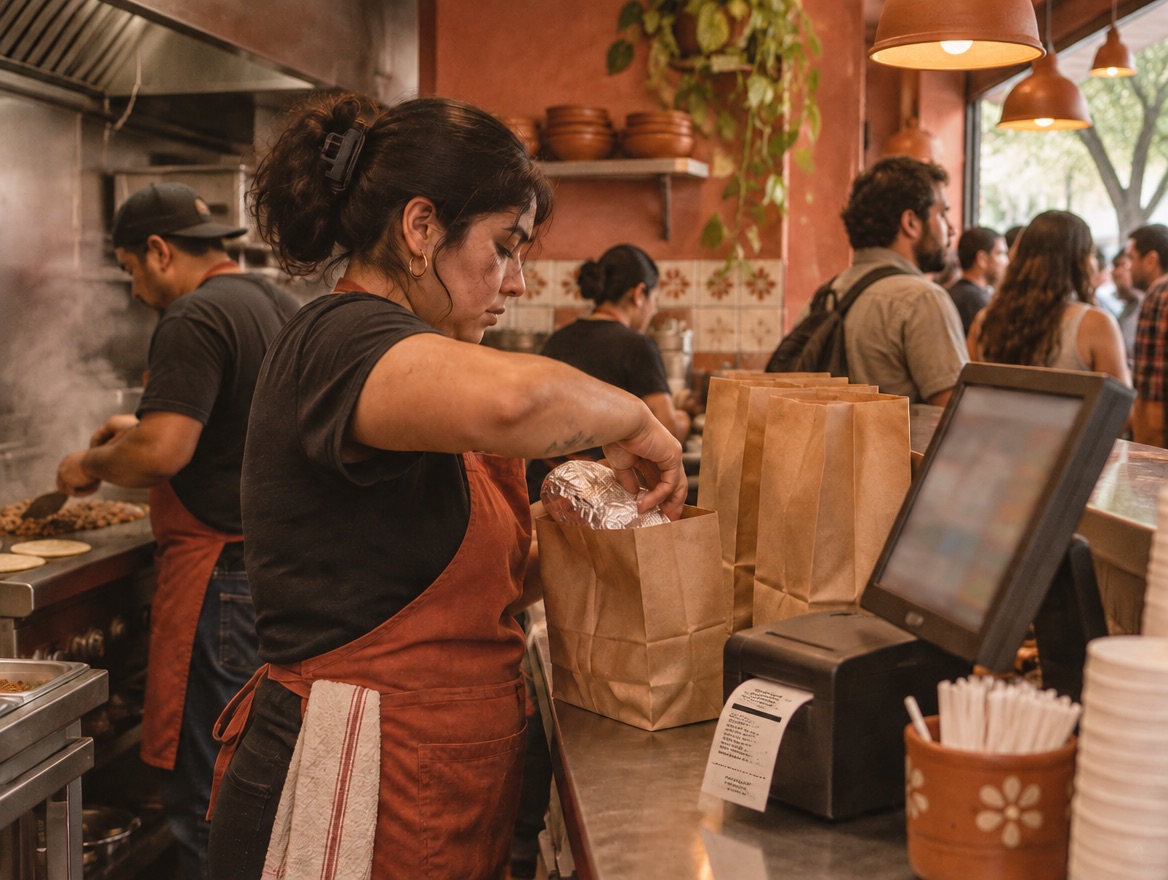
Delivery apps
DoorDash, Uber Eats and Grubhub orders on the same screen as your in-store sales. Delivery and online orderingOnline stores
Checkout plugins for Shopify, WooCommerce, BigCommerce and Magento. Online storesAccounting
Sales, fees and invoices synced to QuickBooks, Xero or FreshBooks. Accounting and softwareYour current POS
Keep your register software and add a terminal that works alongside it. Keep your POSDelivery and online ordering
Delivery orders, straight to your Clover
- Using another service?Tell us which one and we'll check how it connects.
Delivery services charge their own fees. Names and logos belong to their owners.
Online stores
Checkout plugins for the carts you know
- Built on something else?Some site builders only take their own payments. Tell us your cart and we'll check.
Plugin availability depends on the gateway and your cart's plan. Names and logos belong to their owners.
Accounting and business software
Sales that land in your books on their own
- Using an ERP?Tell us which one and we'll check whether it connects.
Some connections use a separate app with its own monthly fee. We list it in your quote. Names and logos belong to their owners.
Your current POS
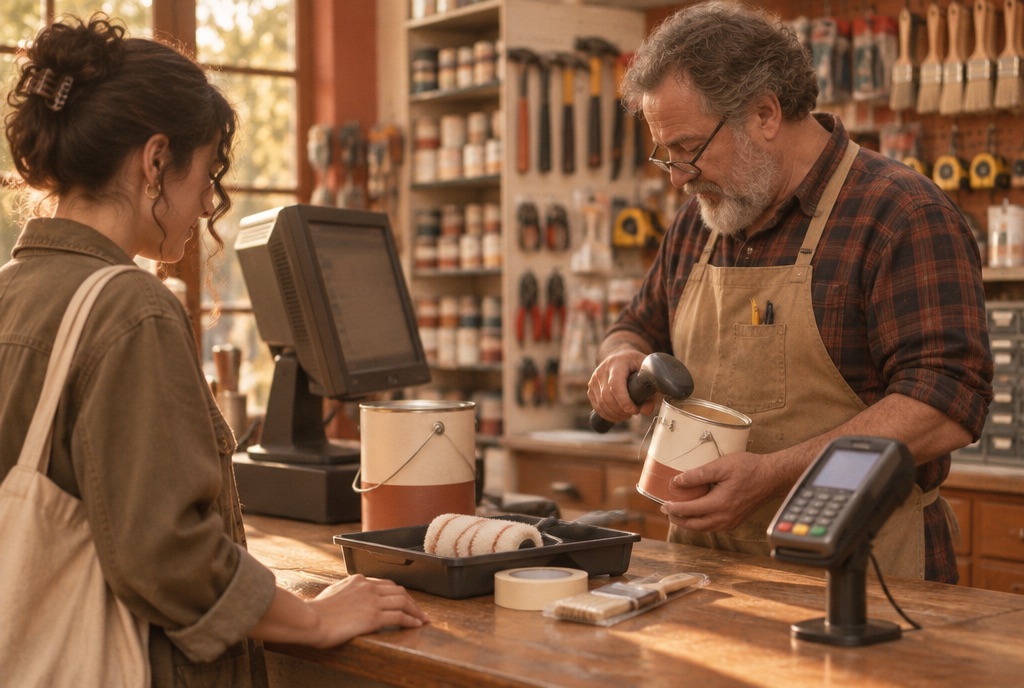
Keep the POS you already have
Happy with your register software? If it supports a semi-integrated terminal, we can connect one to it instead of replacing everything.
- Your POS rings the sale; the terminal takes the card
- Card numbers never pass through your POS
- We check compatibility with your POS before you switch
How we check
No surprises after you switch
-
Step 1: Tell us your tools
Your POS, website cart, delivery apps, accounting and anything else that touches a sale.
-
Step 2: We check each connection
Native, through an app, through the gateway, or not at all. You get the answer in writing.
-
Step 3: Your quote lists every fee
Including any app or plugin with its own monthly charge, so nothing shows up later.
-
Step 4: We set it up and test it
We connect each tool and run a test sale through it with you before you go live.
Integration questions
Yes, with Clover. DoorDash connects directly to Clover, so orders show on your POS and print to your kitchen printer like any other ticket. DoorDash handles the setup on its side, usually within a day.
They connect to Clover too. Clover's restaurant plans include Uber Eats, DoorDash and Grubhub, so orders from each show on your POS. Each delivery service charges its own fees on its orders.
Yes, through a checkout partner Maverick works with, such as OpenPath or Checkout Champ. Shopify may charge an extra fee on sales that don't use Shopify Payments, so we compare the total cost with you before you switch.
It can. Partner apps such as Chargezoom, Biller Genie and RECUR360 sync payments to QuickBooks Online and Desktop, and the Valor and iPOSPays portals sync to QuickBooks Online. Tell us which version you use and we'll recommend the simplest route.
Ask us. Maverick works with certified software partners, and many tools connect through a gateway. If something won't connect, we'll tell you before you sign.
Some do. Native connections usually don't, while separate apps and plugins can carry their own fee. Every one is listed in your quote.